
Appearance
Getting Started
Faker Studio is a WordPress plugin that generates lifelike test data for development, testing, and demonstration purposes. Built on top of the FakerPHP library, it goes far beyond simple random text generation by intelligently detecting field types, varying content across posts, and supporting eight different custom field plugins out of the box. Whether you are building a theme, developing a plugin, preparing a client demo, or running QA tests on a complex custom post type setup, Faker Studio gives you the tools to populate your WordPress site with data that looks and feels like real content.
Unlike manually creating test posts or importing static XML files, Faker Studio generates fresh, unique data every time. Each generation run produces content tailored to your specific post types, taxonomies, and field configurations — so your test environment always reflects the actual structure of your project.
Faker Studio Lite vs. Premium
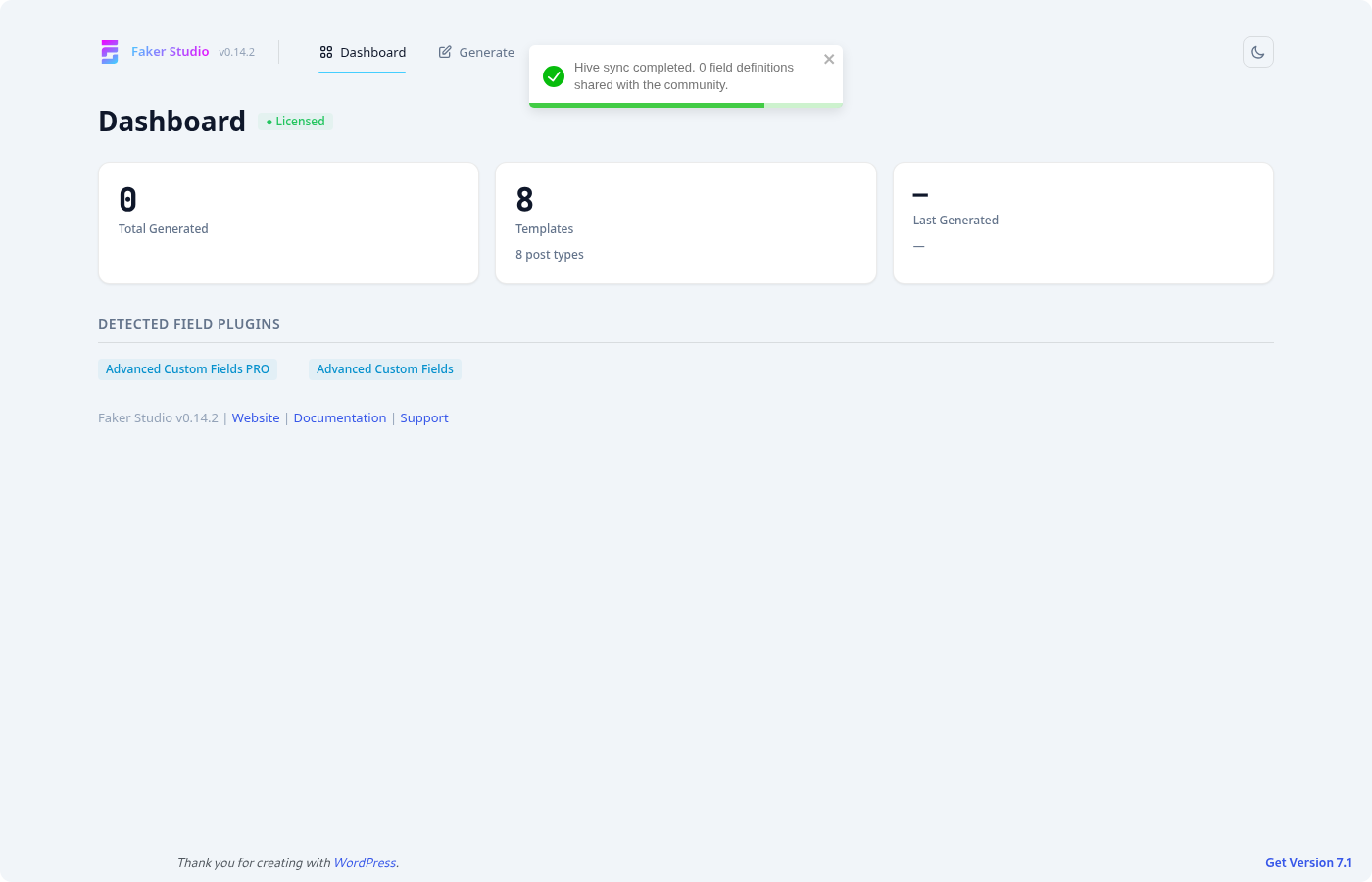
This documentation covers both Faker Studio Lite, the free version available on the WordPress.org Plugin Directory, and Faker Studio Premium. Every page applies to both unless noted otherwise — Premium-only features and sections are marked with a "Premium" label throughout.
Faker Studio Lite (free, no license needed) gives you up to 10 posts per run on up to 5 custom post types, full custom-field detection across all supported field plugins, LoremFlickr images, and bulk delete.
Faker Studio Premium removes the post/CPT limits and adds standalone Taxonomy, User, and Comment generation, AI-powered field detection (Gemini/Claude/OpenAI), the Hive community pattern library, four additional image providers, fully editable templates with variants and cloud sync, a complete History screen with rollback, and cross-CPT relational fields. See the full comparison →
Requirements
Before installing Faker Studio, make sure your environment meets these minimum requirements:
| Requirement | Minimum | Recommended |
|---|---|---|
| WordPress | 6.0+ | Latest stable |
| PHP | 7.4+ | 8.1 or 8.2 |
| User Role | Administrator | Administrator |
| License Key | Premium only | Premium only |
License Required — Premium Only
Faker Studio Premium requires a valid license key to function. Without an active license, the plugin displays a license gate screen on startup and no features are accessible. Faker Studio Lite has no license system — it works immediately after activation. For details on Premium activation, deactivation, and troubleshooting, see the License documentation.
Key Features
Intelligent Content Generation
Faker Studio does not simply fill every field with lorem ipsum and call it a day. The plugin's field name detection engine recognizes over 740 common naming patterns across 126 detection types and generates contextually appropriate data for each one. A field named iban or bank_account receives a valid IBAN number. A field called phone or telephone_number gets a properly formatted phone number for the selected locale. Fields named email, website, zip_code, street_address, company_name, first_name, latitude, or price are all detected and filled with the right type of data automatically.
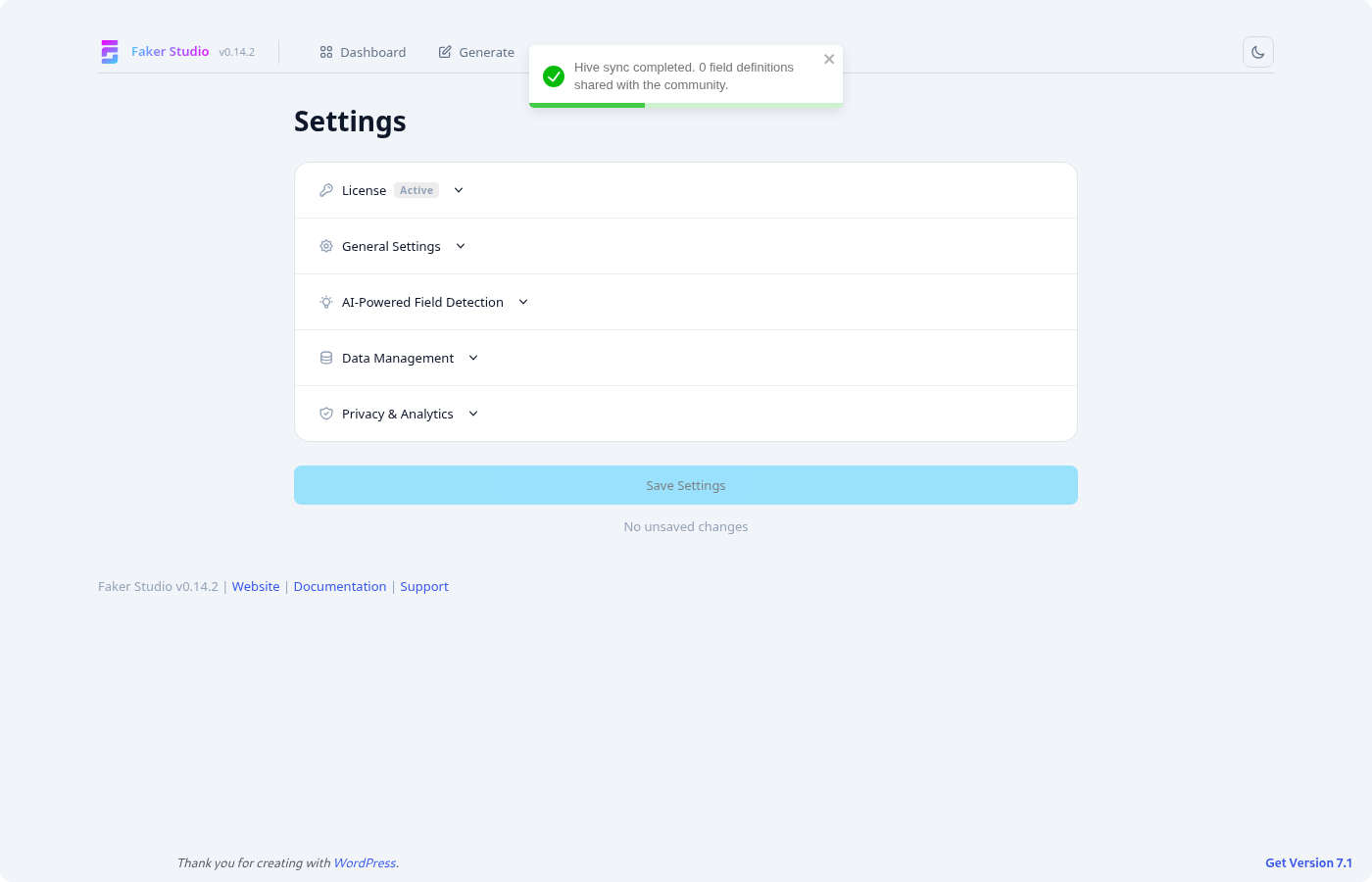
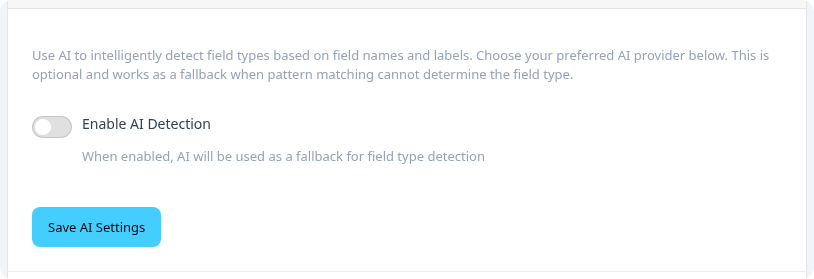
This two-tier detection system works by first running pattern-based matching against the field name, and then — if pattern matching produces no confident result — optionally consulting an AI provider (Google Gemini, Anthropic Claude, or OpenAI GPT) for a more nuanced analysis. The combination means that even unusual or domain-specific field names can be handled intelligently. You can read more about how this works in the Field Detection documentation.
Content Variation
Real-world WordPress sites rarely have perfectly uniform content. Some blog posts have featured images while others do not. Some products have every custom field filled out, while others only have the basics. Faker Studio's content variation system replicates this natural inconsistency through four configurable profiles:
- Random — Each post receives a randomized set of characteristics. Field completeness, image presence, taxonomy assignment counts, and content length all vary unpredictably from post to post.
- Minimal — Posts are generated with sparse content. Most optional fields are left empty, few taxonomies are assigned, and featured images appear infrequently. This is useful for testing how your theme handles incomplete data.
- Partial — A middle ground where roughly half of optional fields are populated. This simulates a site where content editors have filled in some but not all available fields.
- Complete — Every available field is populated, all taxonomies receive assignments, and every post gets a featured image. Use this when you need a fully fleshed-out dataset.
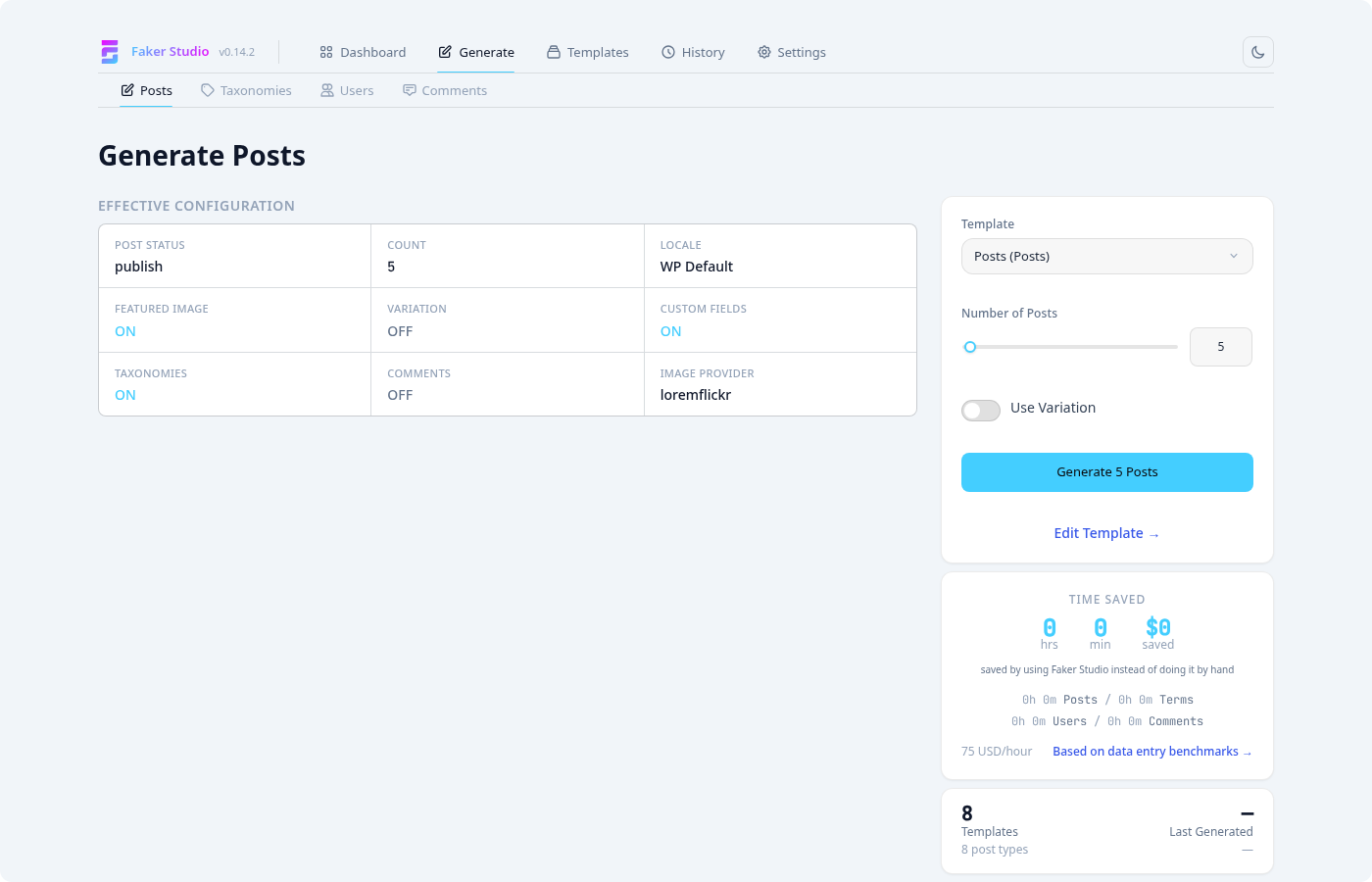
Even when variation is disabled, Faker Studio still varies author assignments, taxonomy term selections, content lengths, and publication dates so that generated posts are never identical clones. For full details, see Content Variation.
Multilingual Support
Faker Studio generates content in 13 locales, producing text that is linguistically appropriate for each language rather than simply translating English strings. The supported locales are:
en_US, de_DE, de_CH, de_AT, fr_FR, es_ES, it_IT, nl_NL, pl_PL, pt_BR, ru_RU, ja_JP, zh_CN
When you select German (de_DE), for example, generated names follow German naming conventions, addresses use German street formats and postal codes, phone numbers match the German dialing pattern, and body text consists of German prose. The locale applies globally to all generated content — titles, excerpts, body text, user profiles, and custom field values. Configure the active locale in Settings or on the Languages page.
Image Integration
Faker Studio integrates with four image providers to download real photographs (or simple placeholders) directly into the WordPress media library. When you enable featured images during post generation, Faker Studio fetches an image from your chosen provider, uploads it to the media library, and attaches it to the generated post as its featured image.
The four providers — LoremFlickr, Unsplash, Lorem Picsum, and Placeholder.com — each serve different needs. LoremFlickr delivers category-aware photos that match your post type context automatically. Unsplash offers high-quality curated photography routed through the Faker Studio API proxy. Lorem Picsum delivers random photos with zero configuration. Placeholder.com generates lightweight colored rectangles when you only need visual structure without real images. None of these providers require an API key. Faker Studio Lite includes LoremFlickr only — the other three providers require Premium. Provider configuration is covered in the Image Handling guide.
Template System
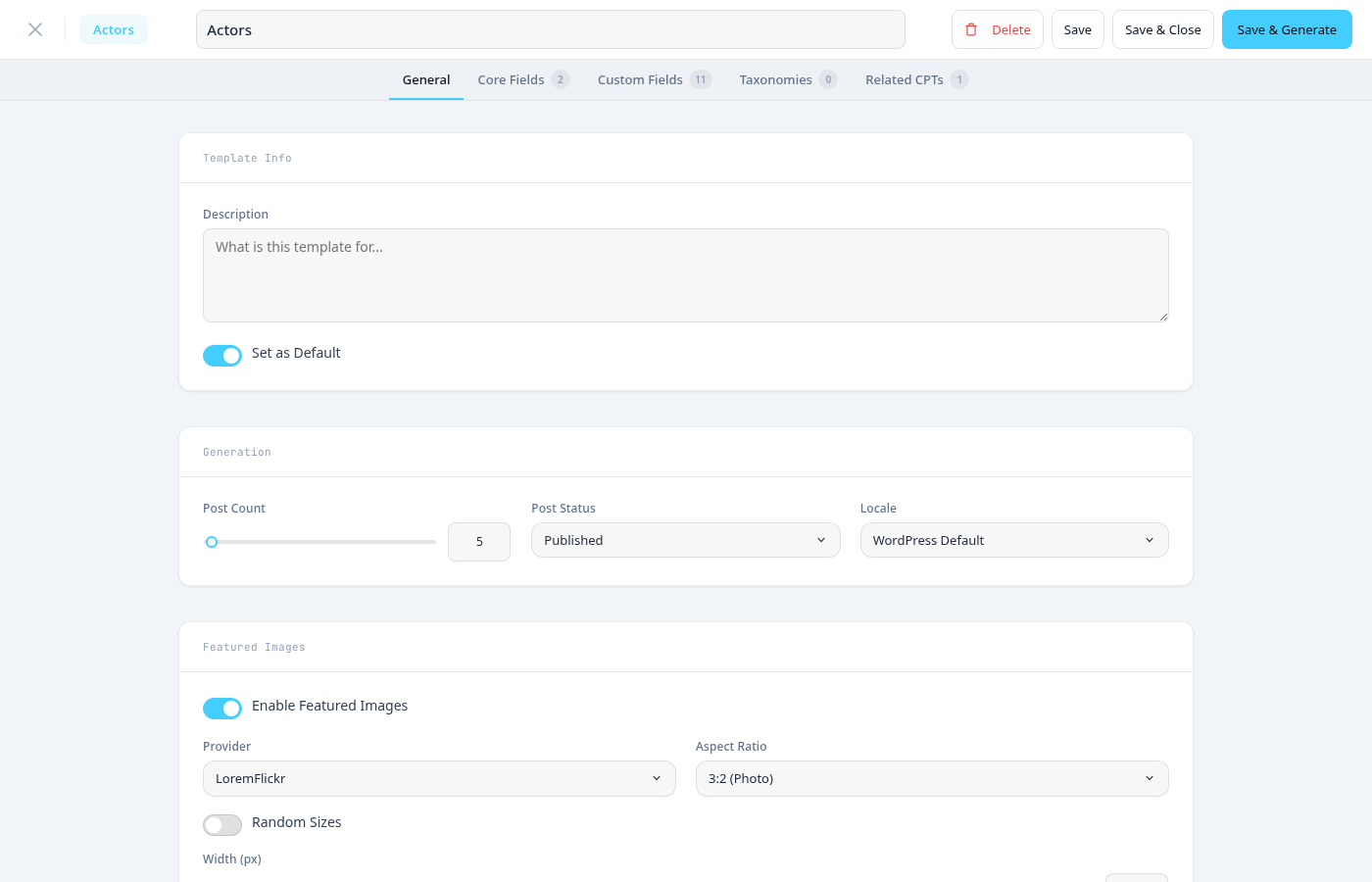
Faker Studio is template-driven. Every post type gets a default template with sensible settings out of the box — featured images enabled, taxonomies auto-created and assigned, custom fields populated. You customize generation behavior by editing templates, not by toggling individual options on the generation page. This keeps your configuration persistent and consistent.
Templates are stored locally in the WordPress database and can be exported as JSON for sharing between installations. You can also link child templates for related CPTs, so generating a parent post type automatically creates its dependencies. For full details, see the Template System documentation.
Field Plugin Adapters
Faker Studio ships with eight dedicated adapters for the most popular WordPress custom field and custom post type plugins. Each adapter reads the field group definitions registered by its respective plugin and translates them into generation instructions that Faker Studio can execute. This means you do not need to configure field mappings manually — if ACF, JetEngine, Meta Box AIO, or any other supported plugin has registered fields for a post type, Faker Studio will detect and populate them automatically.
The supported plugins are: ACF, ACF Pro, ACF Extended (Free & Pro), JetEngine, Meta Box AIO, ACPT, CPTUI, and Native WordPress Meta. Detailed coverage of each adapter's capabilities can be found in the Custom Fields documentation.
REST API
For developers who need to automate content generation or integrate Faker Studio into CI/CD pipelines, the plugin exposes REST API endpoints under the faker-studio/v1 namespace. These endpoints cover triggering post generation, managing templates, querying available post types and taxonomies, reading and updating settings, and managing generation history. All endpoints require the manage_options capability and use WordPress nonce authentication. Faker Studio Lite exposes the post-generation, template (read/generate), and history endpoints; the standalone term/user/comment generation endpoints are Premium only. The complete API reference is available in the REST API documentation.
History and Cleanup
Every piece of content that Faker Studio generates is tracked in a dedicated history table and tagged with a _faker_studio_generated post meta flag. This makes it easy to distinguish generated content from real content and to clean up test data when you are done. The History screen lets you view, filter, and bulk-delete generated posts, terms, and users — either individually or by entire generation batches.
Use Cases
Development and Testing
The most common use case for Faker Studio is populating a local or staging WordPress installation with realistic test data. When you are building a new theme or developing a plugin that interacts with custom post types, you need content that exercises every layout path. Faker Studio lets you generate dozens or hundreds of posts in seconds, complete with varied content lengths, taxonomy assignments, custom field values, and featured images. This is dramatically faster than creating test content by hand and produces more realistic results than importing a static XML file.
Theme Development
Theme developers need to see how their designs hold up under real-world conditions. A theme that looks perfect with three carefully crafted posts may break when confronted with a post that has no featured image, a title that spans two lines, or an empty custom field. By using Faker Studio's content variation system, you can generate a dataset that includes these edge cases naturally, revealing layout issues early in the development process. The multilingual support is equally valuable — you can switch to Japanese or Chinese and instantly see how your theme handles non-Latin character sets.
Plugin Development
If you are building a WordPress plugin that queries posts, displays custom fields, or interacts with taxonomies, you need a large and varied dataset to test against. Faker Studio's REST API makes it possible to script content generation as part of your test setup, so every test run starts with a fresh, predictable dataset. Combined with the cleanup system, you can generate content before tests and remove it afterward without leaving orphaned data behind.
QA and Acceptance Testing
Quality assurance teams benefit from Faker Studio's ability to create reproducible test scenarios. By saving a template and using a fixed seed or consistent settings, QA engineers can generate the same content structure repeatedly while still producing realistically varied data. This is useful for regression testing, performance benchmarking with large datasets, and verifying that search, pagination, and filtering work correctly across different content volumes.
Demo Content and Client Presentations
When presenting a WordPress build to a client, placeholder text rarely impresses. Faker Studio generates content that looks convincingly real — proper names, coherent paragraphs, realistic images, and correctly structured custom fields. Combined with the locale setting, you can even generate content in the client's native language to make the demo feel authentic.
Next Steps
Now that you understand what Faker Studio offers, here is where to go next:
- Installation — Download, install, and activate the plugin on your WordPress site.
- License Premium — Activate your license key and understand the licensing model.
- Quick Start — Generate your first batch of content in one click.
- Settings — Configure locale, image providers, AI detection, and general behavior.
- Dashboard — Get an overview of the Faker Studio admin interface and its capabilities.